Native SwiftUI · Built for Intel Macs · macOS 26 or later

Make your Intel Mac fast, cool and tidy again.

IntelyOpti cleans, tunes and monitors your Mac, explains what it does and can undo what it changes. Try everything free for 14 days, then keep the free tools or go Pro.

14-day free trial, once per Mac. The trial starts inside the app, when you enter your e-mail address.

  • Signed and notarized
  • Reversible changes
  • Free tools stay free
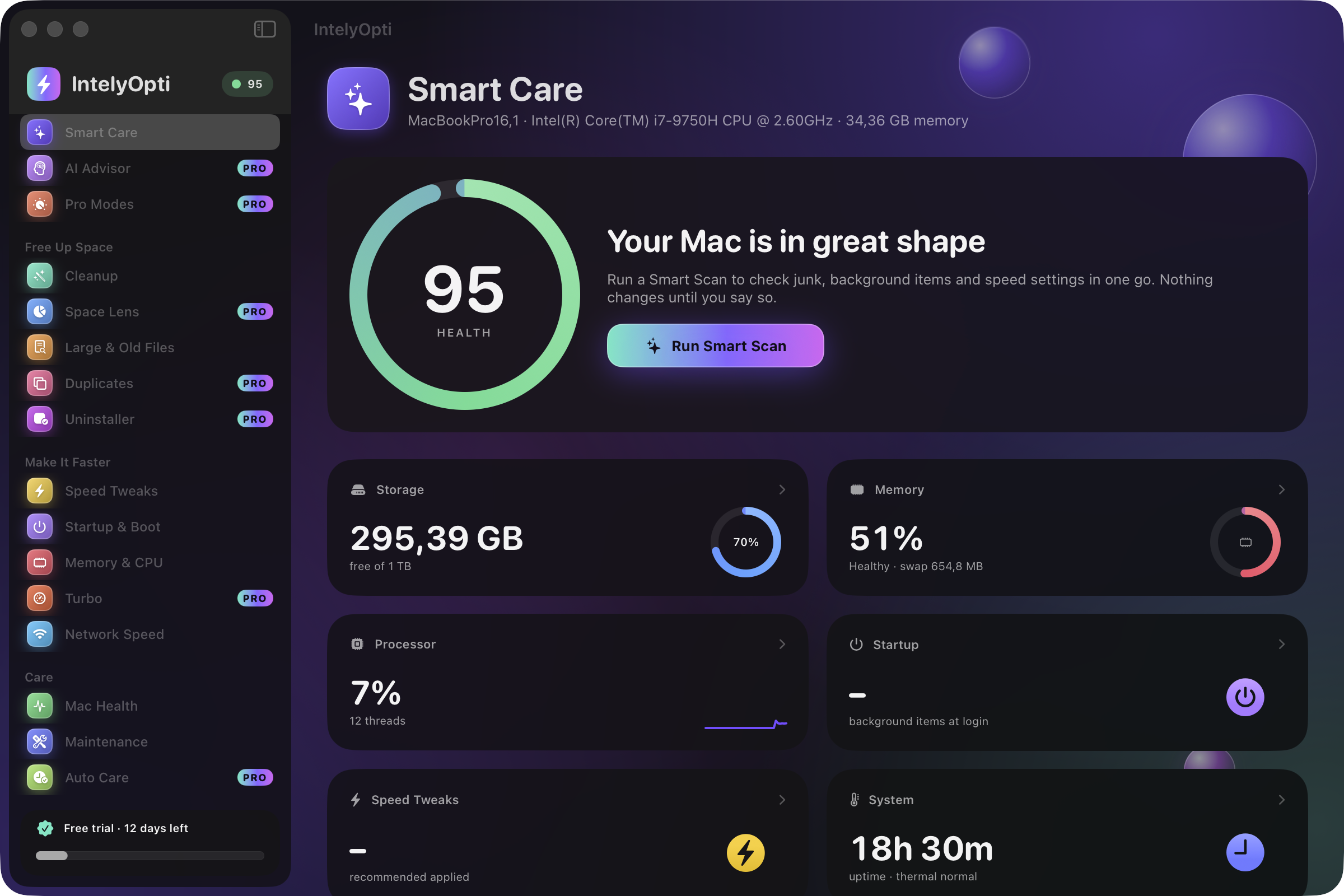
IntelyOpti Smart Care dashboard with the Mac health score and the one-click optimize button.

Get IntelyOpti

Enter your e-mail to unlock the download. Then open IntelyOpti and enter the same e-mail there to start your 14-day trial.

Latest release

Version
1.0.0
Released
October 13, 2026
Size
4 MB
Requires macOS
26
SHA-256
3a92991f3671fab0654375279068f8eee77919c7dd2ca0dd932178a655f63f24

Everything your Mac needs, in one native app

IntelyOpti does the routine work of keeping an Intel Mac healthy, and shows its reasoning at every step.

Smart Care

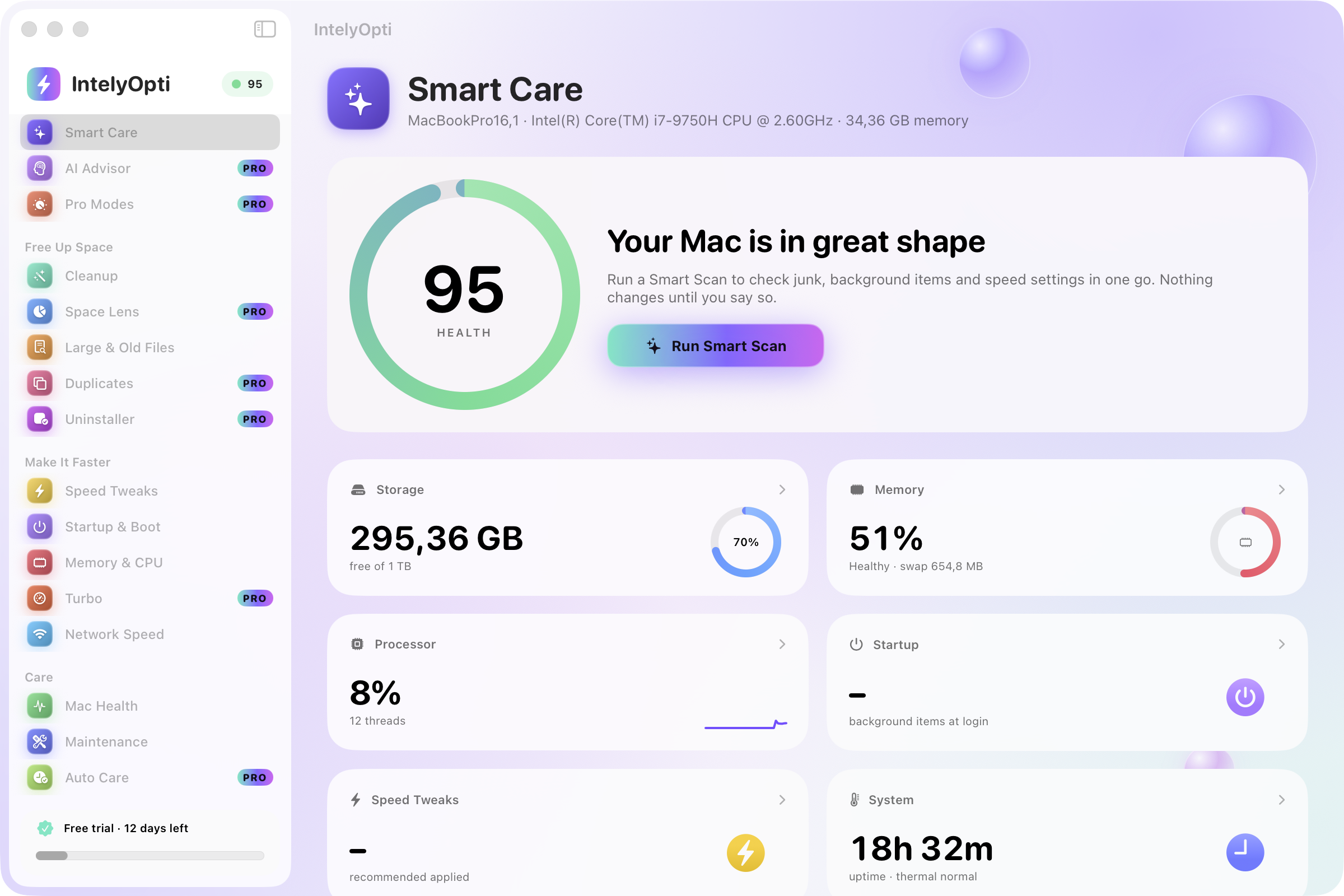
Open the app and see a health score for your Mac. One click runs a safe optimization pass and tells you what it found and what it will do before it does it.

  • A health score for your Mac at a glance
  • One-click optimize with a plain-language plan
  • Everything it changes can be reviewed and undone
IntelyOpti Smart Care dashboard with the Mac health score.

Cleanup and disk tools

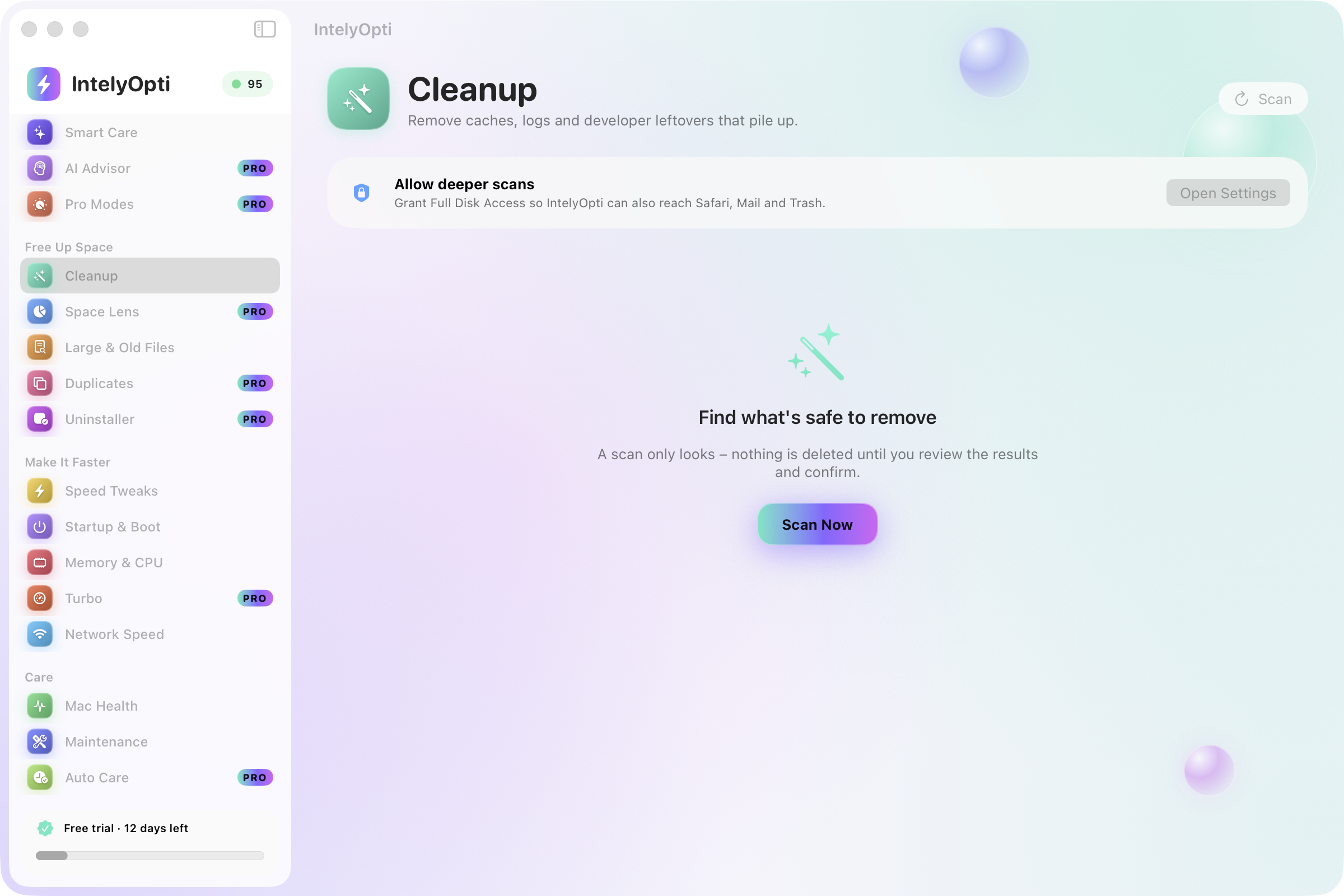
Find what is taking space and remove it safely. Deletes are atomic, so an interrupted cleanup does not leave a half-removed folder behind.

  • Caches, logs, developer leftovers, installers and privacy traces
  • Space Lens: a treemap disk explorer
  • Large and old files, and a duplicate finder using SHA-256
  • App Uninstaller with a leftover finder
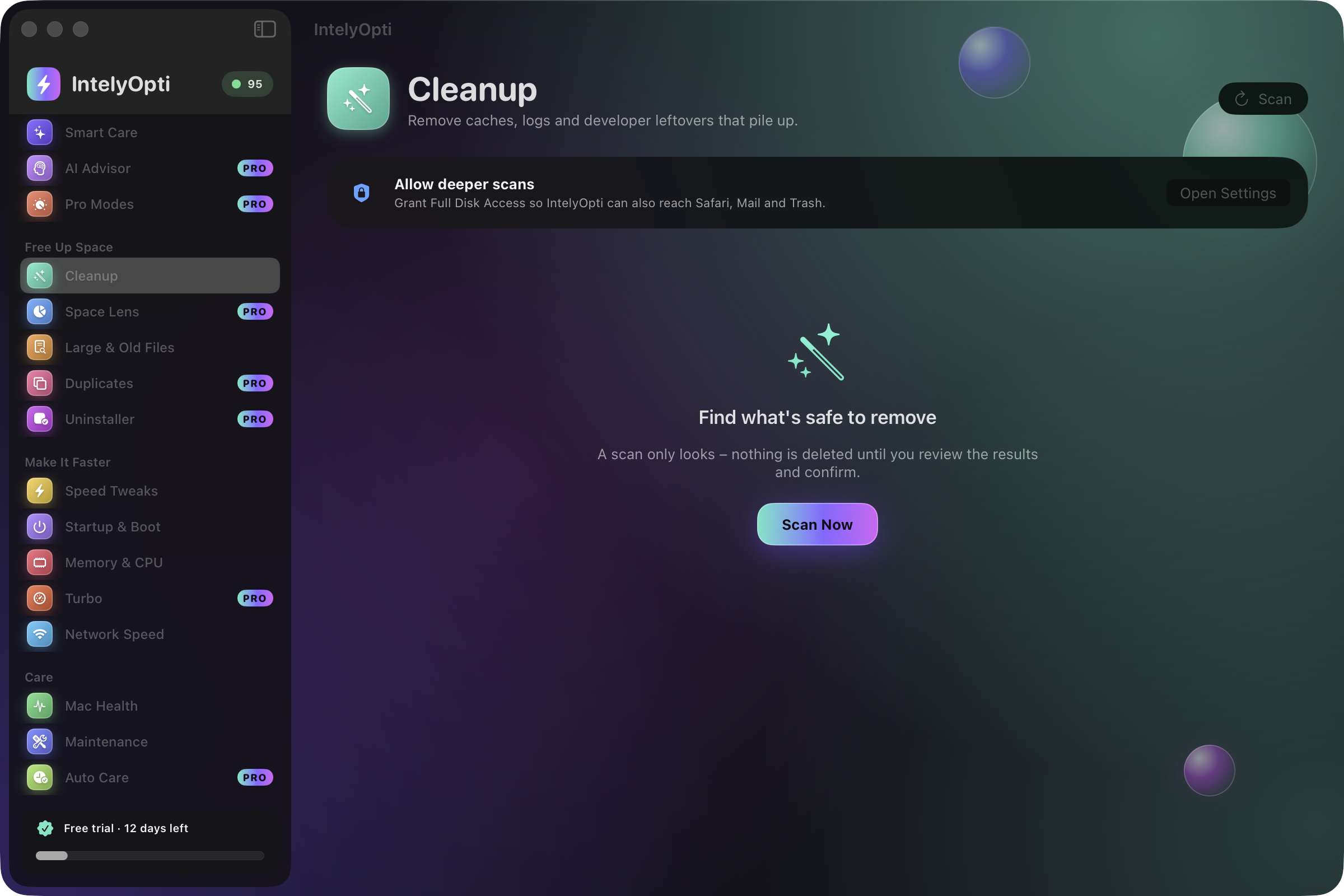
IntelyOpti Cleanup, finding caches, logs and developer leftovers.

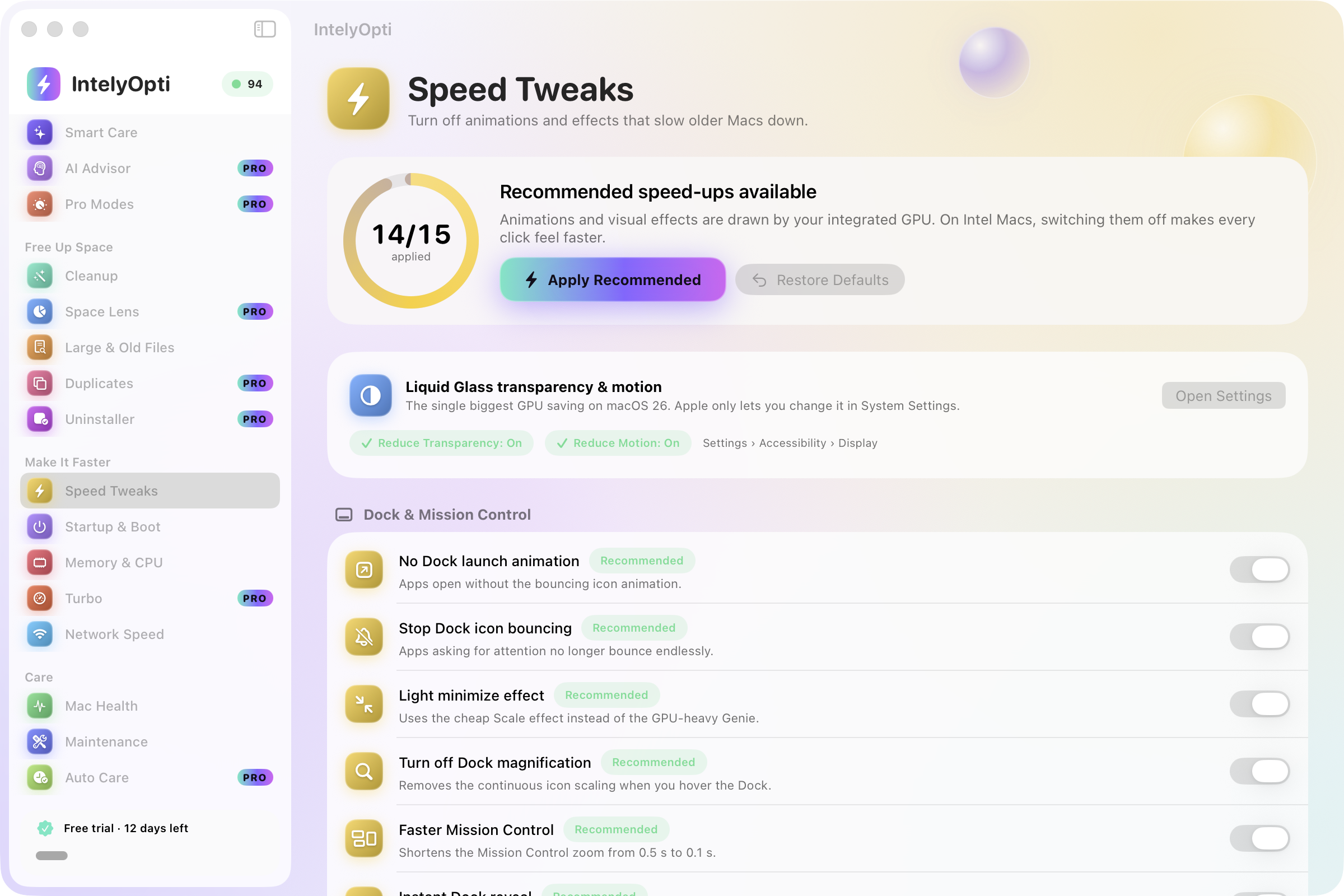
Speed Tweaks, startup and memory

Trim what slows an older Mac down: heavy animations and effects, things that start with it, and processes that eat memory and CPU. Tweaks are reversible.

  • Animations and visual effects, reversible
  • Startup and Boot: launch agents, login items and an orphan finder
  • Memory and CPU: process list and a one-click memory free
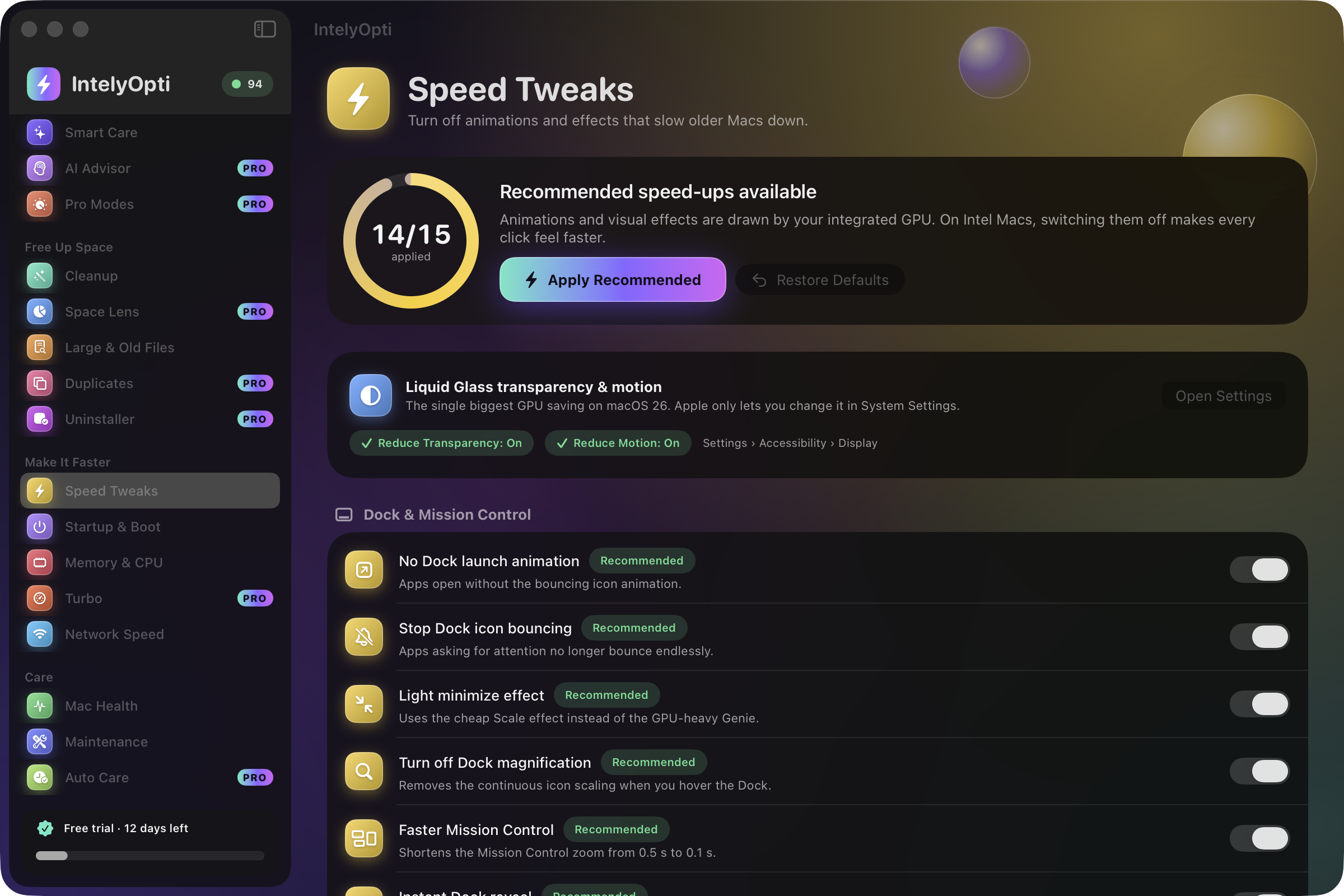
IntelyOpti Speed Tweaks.

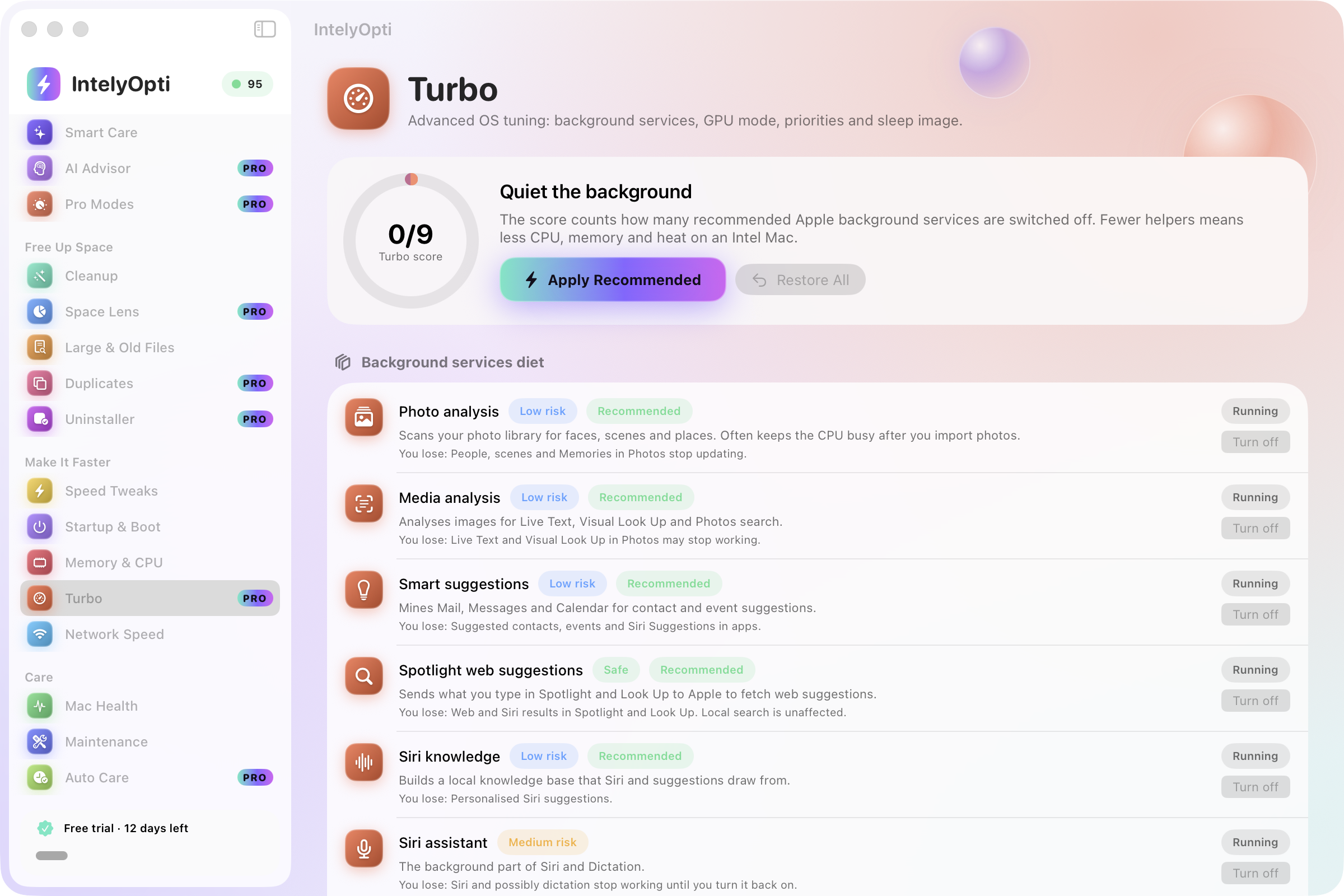
Turbo

A diet for Apple’s background services, plus the knobs that matter on Intel hardware. Every change is shown first and can be put back.

  • Background-service diet, process priority and freeze
  • GPU mode on dual-GPU MacBook Pros
  • Sleep image, power and wake settings, Spotlight
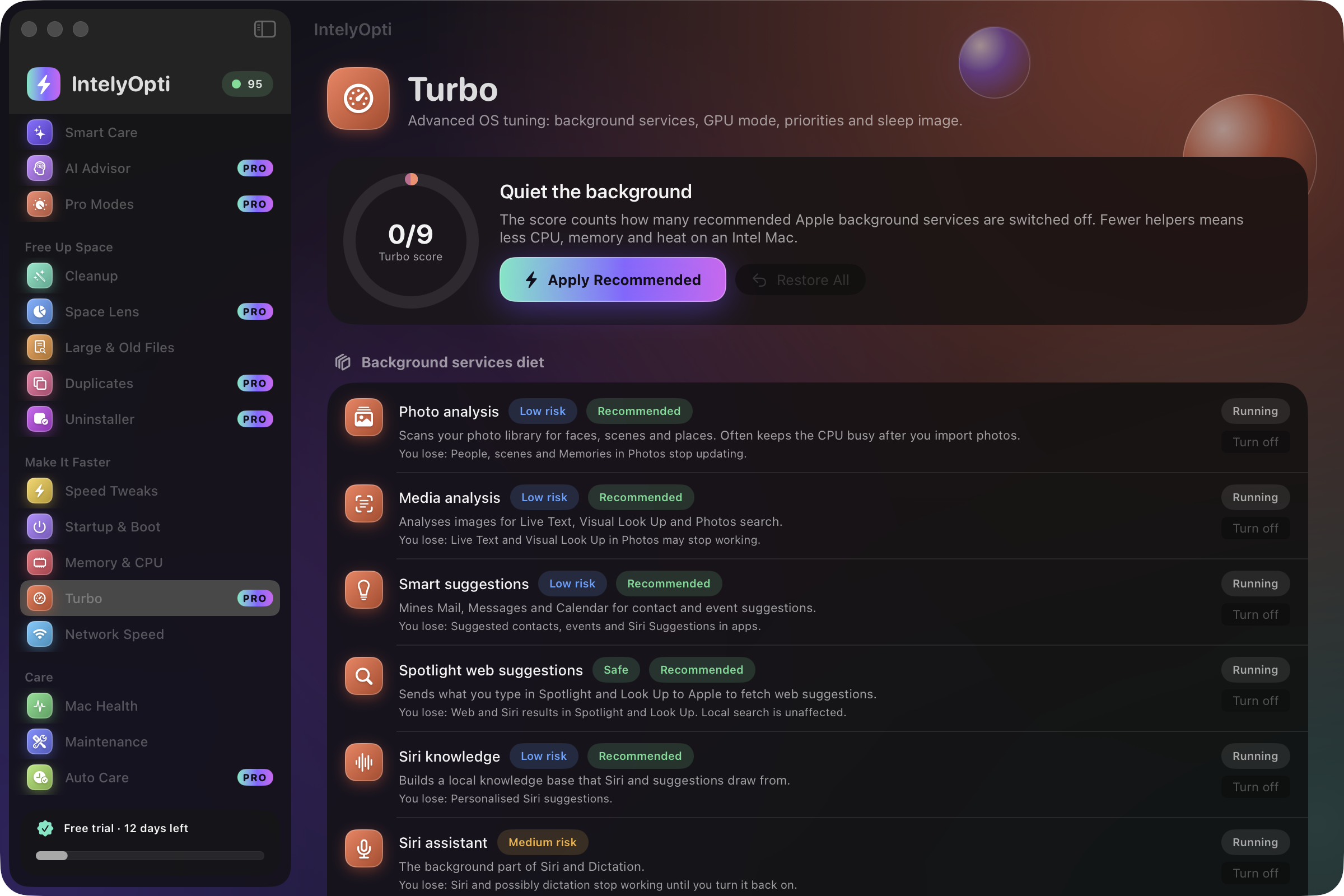
IntelyOpti Turbo with background services and process priorities.

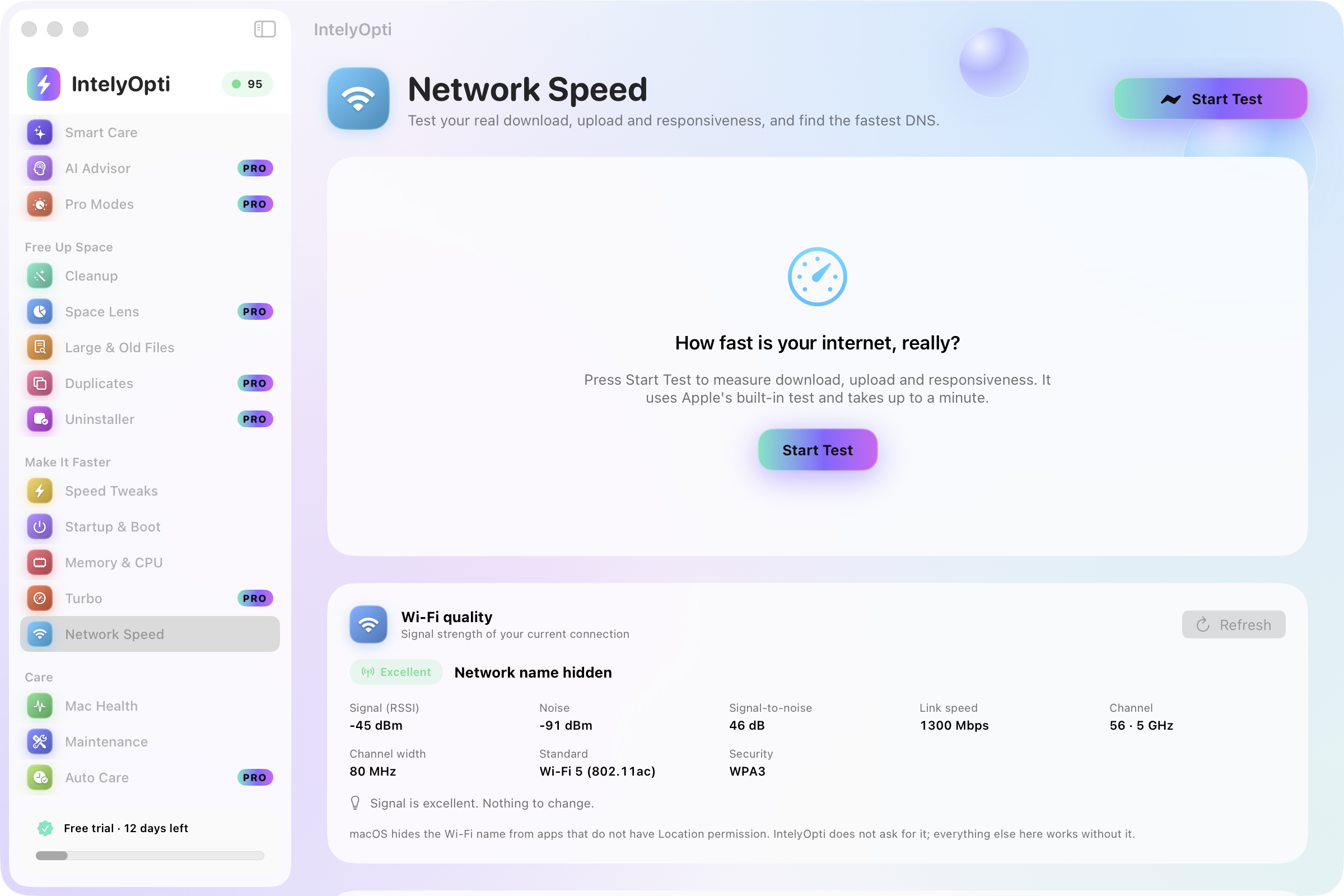
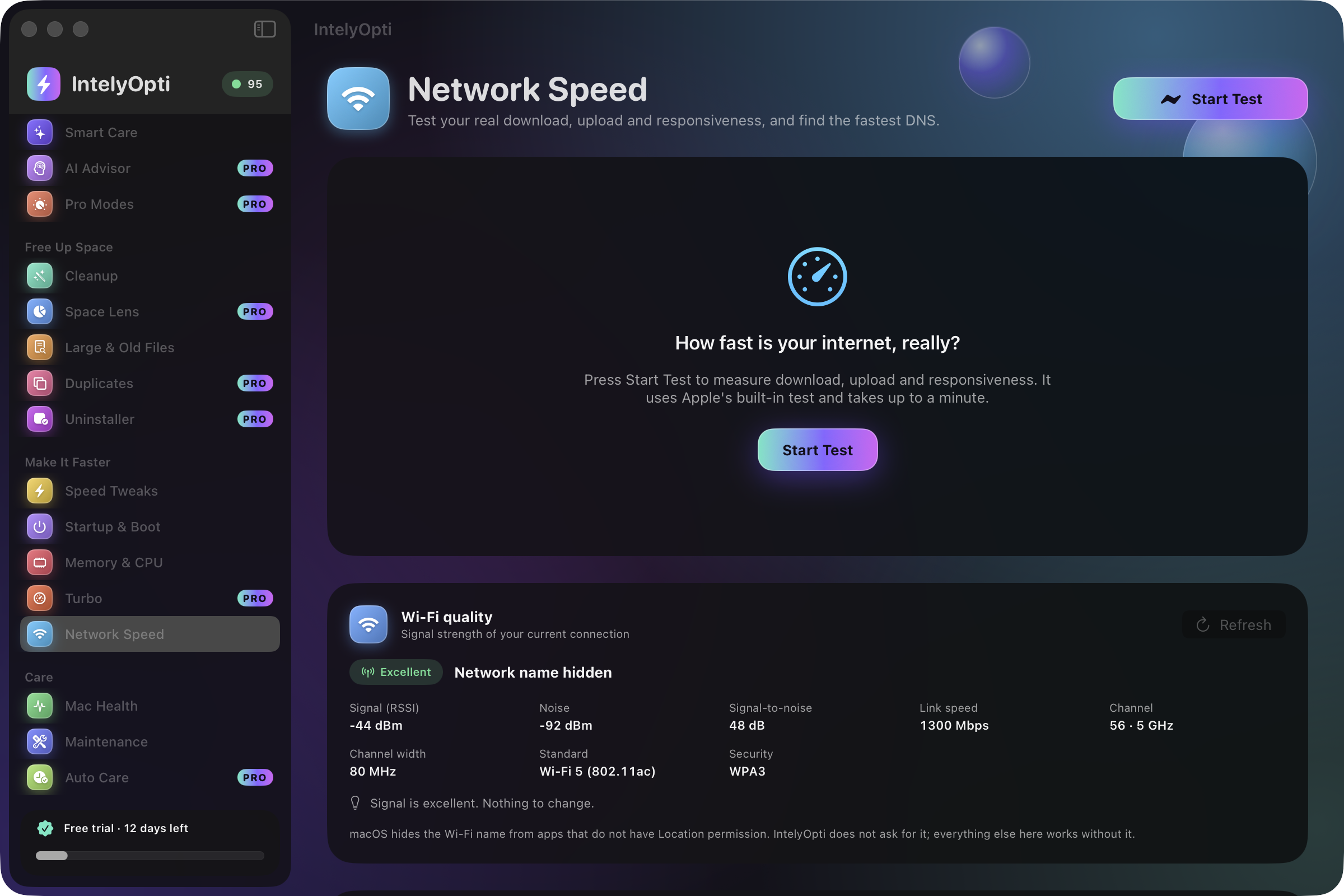
Network Speed

Measure what your connection really does. Speed tests use networkQuality, the measurement tool built into macOS by Apple.

  • Download, upload and responsiveness
  • Wi-Fi quality and latency
  • DNS benchmark to pick a faster resolver
IntelyOpti Network Speed results.

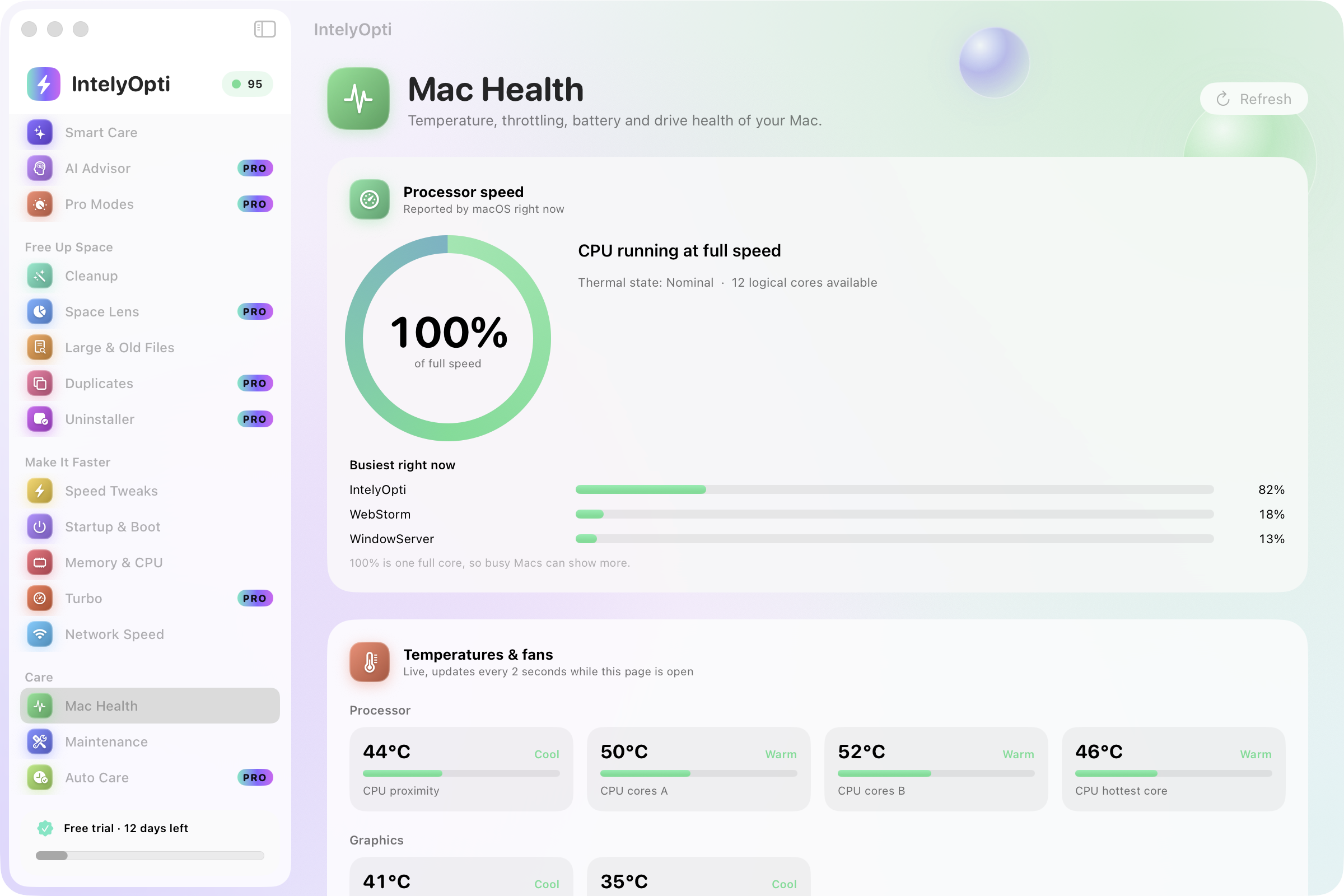
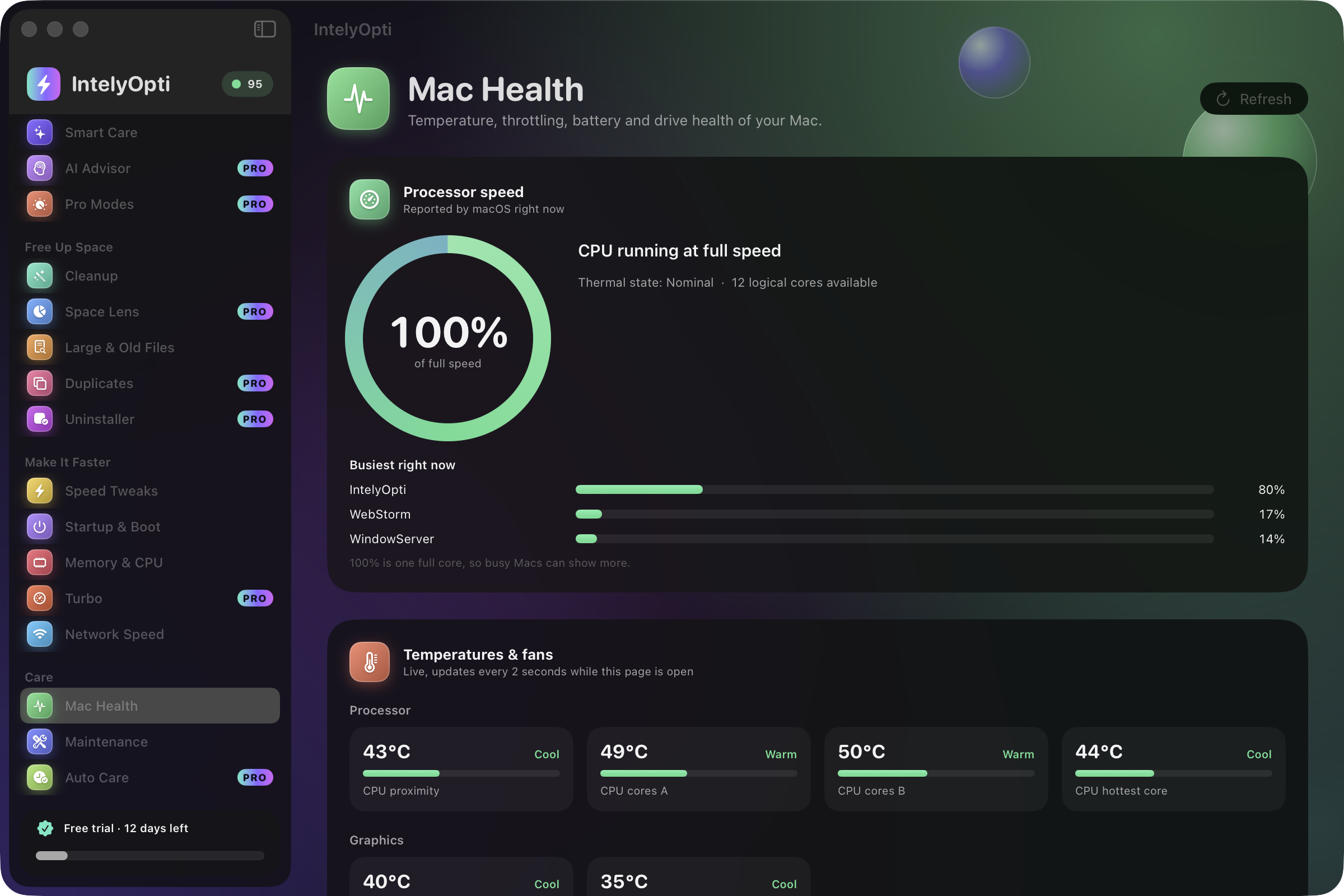
Mac Health

Know whether your Mac is throttling and why. Mac Health reads the sensors and the drive, and explains what the numbers mean.

  • Thermal-throttling detector
  • SMC temperatures and fan RPM
  • Battery health and SSD / SMART status, with a disk speed test
  • Intel SMC and NVRAM care guides
IntelyOpti Mac Health with temperatures, fans and battery.

And more, always in the background

  • Maintenance: Time Machine snapshots, Spotlight reindex, DNS flush
  • Auto Care: scheduled safe cleaning and guardian alerts
  • Menu-bar live monitor
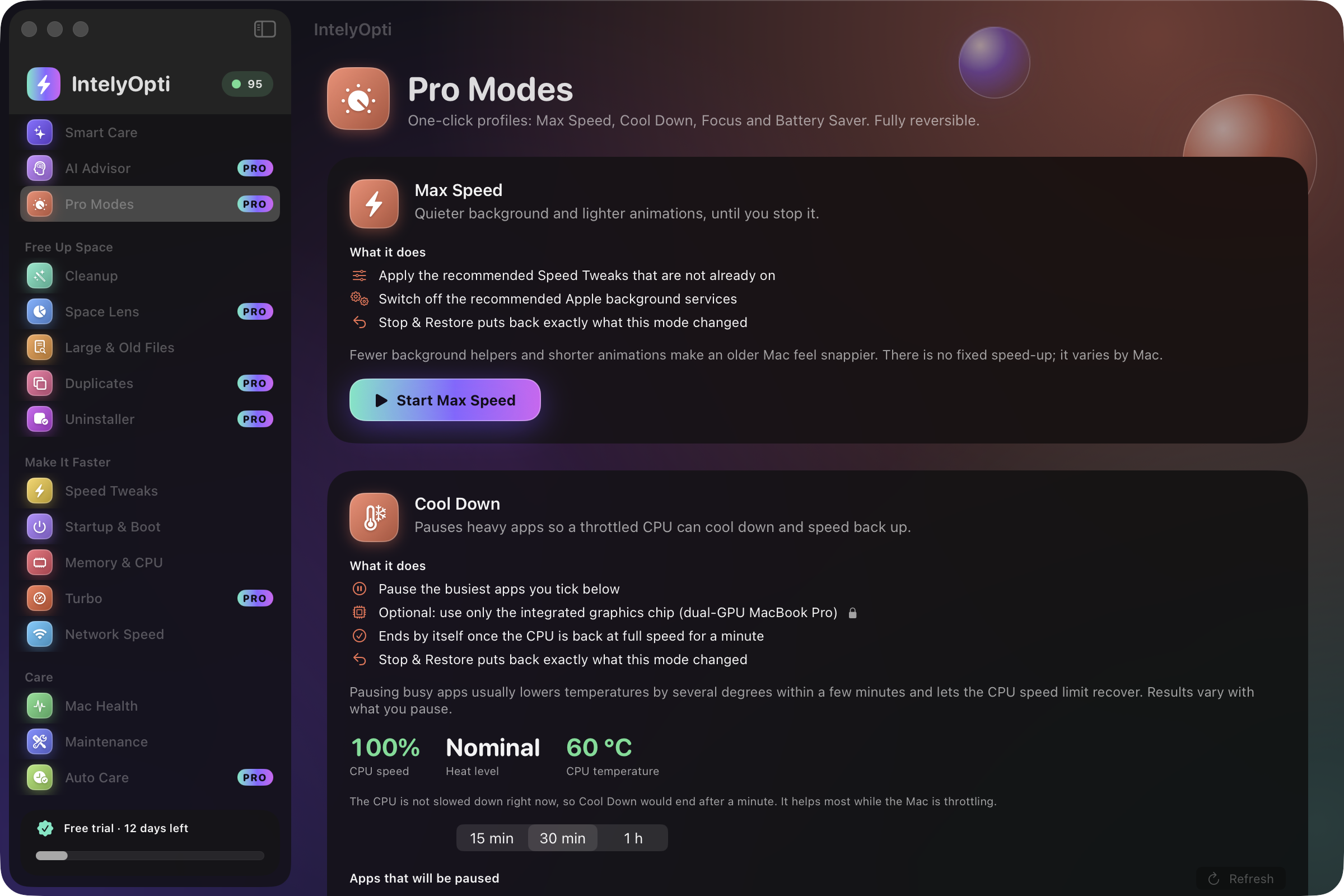
  • Light and dark appearance

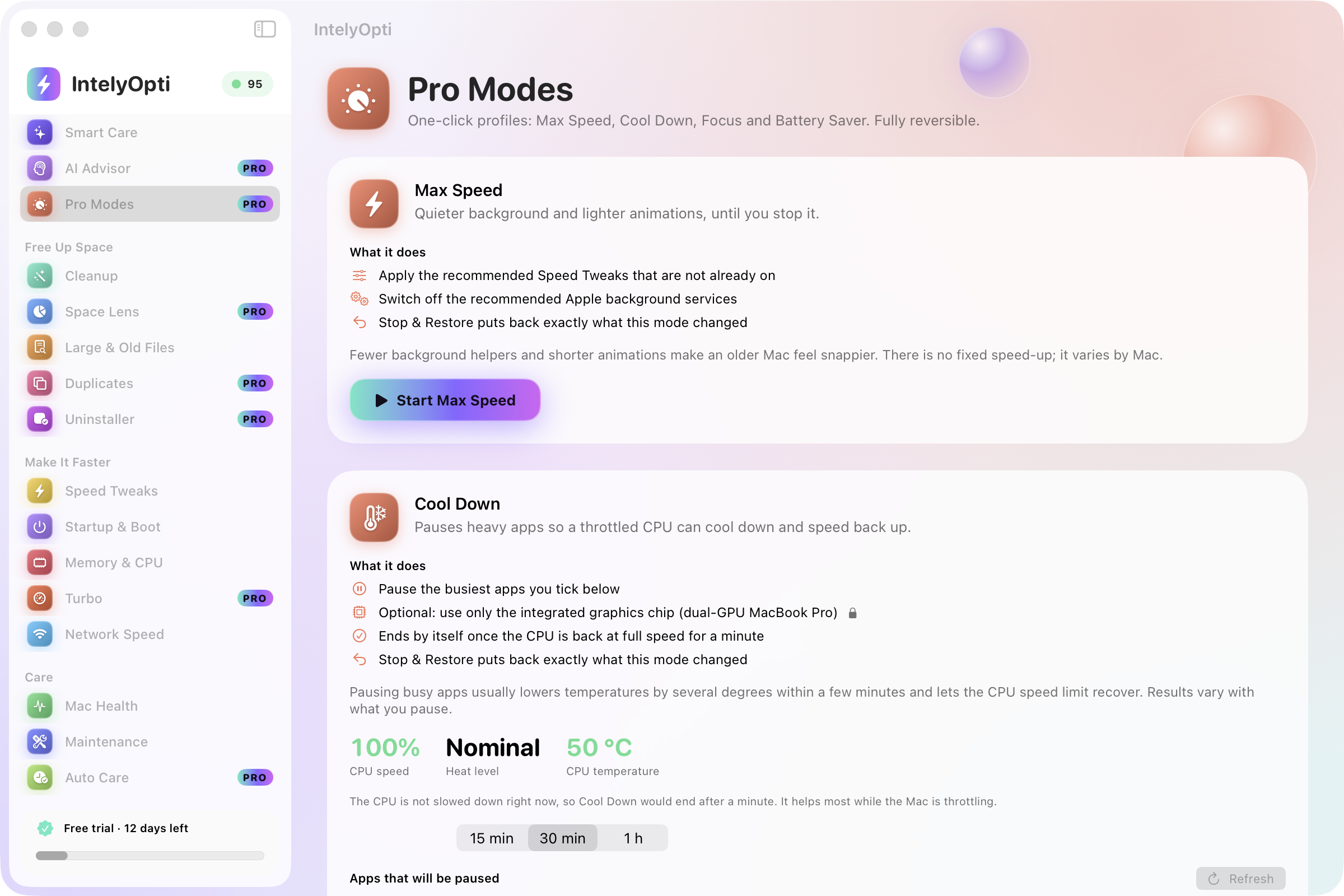
Pro Modes

Four one-click profiles that change many settings at once, and put them all back when you leave the mode.

  • Max Speed

    Prioritizes performance when you need the most from your Mac.

  • Cool Down

    Eases the load when your Mac runs hot and the fans are loud.

  • Focus

    Quiets background activity so one task gets the machine.

  • Battery Saver

    Stretches a charge by trimming what drains it.

Modes are reversible. When you leave a mode, IntelyOpti restores the settings it changed.

IntelyOpti Pro Modes with Max Speed, Cool Down, Focus and Battery Saver.

AI Advisor that respects your privacy

The Advisor uses AI tools you already have on your Mac (Claude Code CLI, Ollama, Codex or Gemini). IntelyOpti does not include an AI service and does not see your conversation.

  1. SnapshotIntelyOpti prepares a snapshot of your Mac’s state and redacts it.
  2. You reviewYou see exactly what would be shared. Nothing leaves the app yet.
  3. You press ShareOnly then is the redacted snapshot handed to the AI tool you picked.
  4. A plan comes backThe tool proposes a plan, and you decide what to apply.

If you never press Share, nothing is sent. Which tool you pick is your choice.

IntelyOpti AI Advisor showing a plan built from a redacted snapshot.

How the trial works

Plainly, including the parts that are not exciting.

  1. Download and open

    Get the installer above, install IntelyOpti and open it.

  2. Enter your e-mail

    The trial starts inside the app after you enter an e-mail address. Use the same one as on this site.

  3. Use everything for 14 days

    During the trial every feature is unlocked.

  4. Then you choose

    Subscribe or buy a lifetime licence for the Pro features, or keep the free tools.

The honest details

  • The trial is 14 days and works once per Mac. It is bound to the Mac, so reinstalling the app or the system does not restart it.
  • The first launch needs an internet connection to start the trial. After that the trial works offline.
  • If you do not subscribe, IntelyOpti automatically undoes the settings it changed: tweaks, services and startup items.
  • Files that were deleted stay deleted. Deletes are your decision and cannot be reverted by the app, so review a cleanup plan before you apply it.
  • Free forever: all scans, Mac Health, the speed test, the menu-bar monitor and 500 MB of cleaning.

Requirements

Mac
An Intel Mac. IntelyOpti is built for Intel Macs.
System
macOS 26 or later.
Network
Internet to start the trial and to receive updates. Scans and tools work offline.
AI Advisor
Optional: any of Claude Code CLI, Ollama, Codex or Gemini that you already have.

Pricing

Start with the free trial. The free tools stay free afterwards. Prices are in USD and local taxes may apply at checkout.

Checkout is not open yet. The buttons below take you to a form that tells you when it opens.

  • Free

    $0 forever

    • All scans
    • Mac Health
    • Speed test
    • Menu-bar monitor
    • 500 MB of cleaning
    Start free trial
  • Pro Lifetime

    $39.99 one time · 1 Mac

    • Everything in Pro Yearly
    • Pay once, no renewals
    Notify me when checkout opens

Every plan starts with the 14-day trial. Refunds follow the law and are described in the terms.

Notify me when checkout opens

Checkout is not open yet. Leave your e-mail and we will write once, when you can buy IntelyOpti. The trial and the free tools work in the meantime.

Security and privacy

An optimizer touches a lot of your system, so it should earn trust.

  • Signed and notarized

    Released builds are signed with IntelyHome’s Developer ID and notarized by Apple.

  • Signed updates

    Updates are cryptographically signed and come from GitHub. A file that does not verify is not installed.

  • Reversible by design

    Tweaks, services and startup changes can be undone, and they revert on their own if you do not subscribe after the trial.

  • Safe deletes

    Cleanup deletes are atomic, so an interrupted cleanup never leaves a half-removed folder.

  • What the trial sends

    Your e-mail, your consent, and a hash of your Mac’s hardware identity. The raw identifiers never leave your Mac, and no raw IP address is stored.

  • Proprietary, openly

    IntelyOpti is closed source under its own licence. The details are in the terms and privacy notice.

Questions about IntelyOpti

Is IntelyOpti free?

Partly. All scans, Mac Health, the speed test, the menu-bar monitor and 500 MB of cleaning are free forever. Everything else is unlocked during the 14-day trial and with a Pro licence.

How does the trial work?

It lasts 14 days and starts inside the app after you enter an e-mail address. During it every feature is unlocked.

What happens when the trial ends?

The free tools keep working. If you do not subscribe, IntelyOpti automatically undoes the settings it changed, such as tweaks, services and startup items. Files you deleted stay deleted.

Can I reinstall to get a new trial?

No. The trial is bound to your Mac and cannot be restarted by reinstalling the app or macOS. That keeps it fair for everyone.

Does it run on Apple silicon?

IntelyOpti is built for Intel Macs, and several features, such as the SMC and NVRAM guides, thermal-throttling checks and dual-GPU mode, are specific to Intel hardware. Apple silicon Macs are not supported at the moment.

What does the AI Advisor send?

Nothing until you press Share. Then a redacted snapshot of your Mac’s state goes to the AI tool you chose, such as Claude Code CLI, Ollama, Codex or Gemini. IntelyOpti has no AI service of its own.

Is it safe? Can it break my Mac?

It is built to be careful: changes are explained first, deletes are atomic, and tweaks, services and startup items are reversible. Still, any system tool deserves a backup before large changes, and a Time Machine backup is a good habit.

Does it need an internet connection?

To start the trial, and to receive updates from GitHub. Scans and the free tools work offline.

Can I get a refund?

Where the law gives you a right of withdrawal or refund, for example within 14 days of purchase for EU consumers, we honor it. The terms explain how to ask.

Is it open source?

No. IntelyOpti is proprietary. IntelyIDE, the other IntelyHome product, is open source under GPL-3.0.

Release notes. See what changed in every version. IntelyOpti release notes on GitHub

Give your Mac 14 days of IntelyOpti

Everything unlocked, nothing to cancel, and the free tools stay yours.

Start free trial

More from IntelyHome

IntelyIDE

A free, open-source IDE for several git repositories at once, with AI agents that can edit but never commit or push.

Explore IntelyIDE